
Agents that work while you don't
Give labb or one of your agents a job and a time. It does the work on its own, and the result waits for you in a chat.
“Every weekday at 8, summarize the top news”
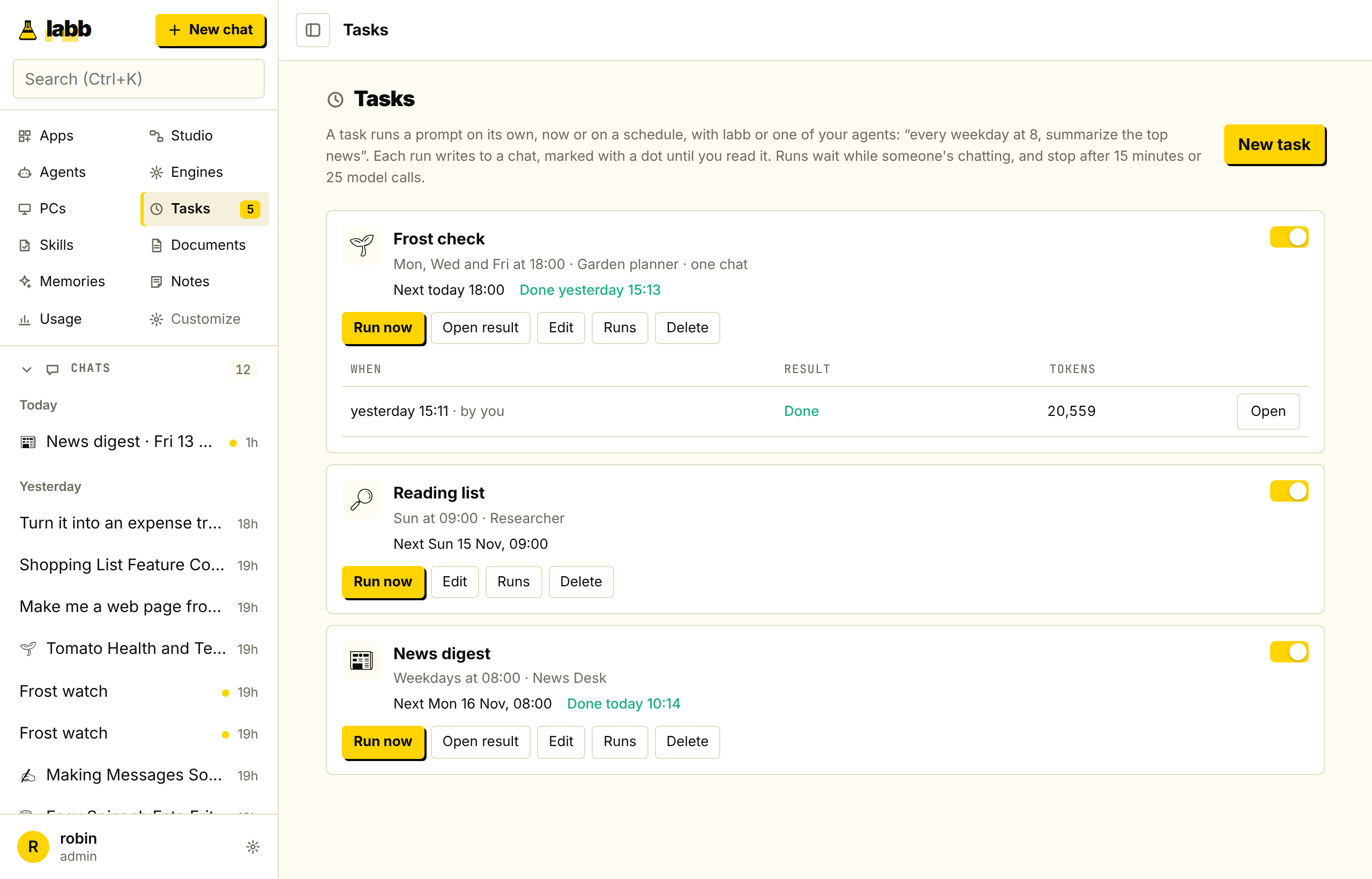
A task is a prompt, an agent and a schedule. Check for frost three evenings a week, build a reading list on Sundays, or run something once at a time you pick.
Run now runs a task whatever its schedule, and you can stop any run.
Tick Keep going until done and each run is a goal: the agent works until it has checked every part of the prompt, then says how it ended and how it checked.
Any schedule you can say out loud
Times are in your browser's time zone, and 8:00 stays 8:00 when the clocks change.
- Every N minutes or hours
- At a time, every day
- On weekdays
- On chosen days of the week
- Every N days
- Once a month
- Just once
Make one from wherever you are
- From scratch
- Press New task on the Tasks page and fill it in.
- From an agent
- Press Schedule on an agent's card.
- From a chat
- The clock button in a chat's header says “Run this every…” and takes the chat's agent and first message.
The answer waits for you
- Each run writes to a new chat, like “News digest · Mon 26 Oct, 08:00”, or always to the same chat, so it can see its earlier results.
- Chats a task wrote to have a dot until you open them, and the count sits next to Tasks in the sidebar.
- The browser can notify you too.
It won't run away from you
- No pile-ups
- A task that's still running when its next time comes skips that run.
- Limits
- By default a run stops after 15 minutes or 25 model calls. Admins change these in Settings → Limits.
- Failures
- After 3 failures in a row, a task turns itself off and says why.
- Restarts
- A task missed in the last hour runs once after a restart. Older misses wait for the next time.
- Chats come first
- Tasks run one at a time and wait while someone's web reply is being written.
- Private
- Each person can have up to 20 tasks by default, and nobody else sees them.
Tasks do one job. Workflows do many.
For branches, approvals and several steps, schedule a Studio workflow. In the terminal, /loop 5m check whether the deploy finished repeats a prompt for as long as the session lasts, and /loop keep fixing the failing tests lets the model choose when to run again.