
Features
Everything in the lab
One server gives your household or team a web chat, a terminal agent, apps it builds for you, and workflows that run by themselves. They all share the same models, documents, memories and history.
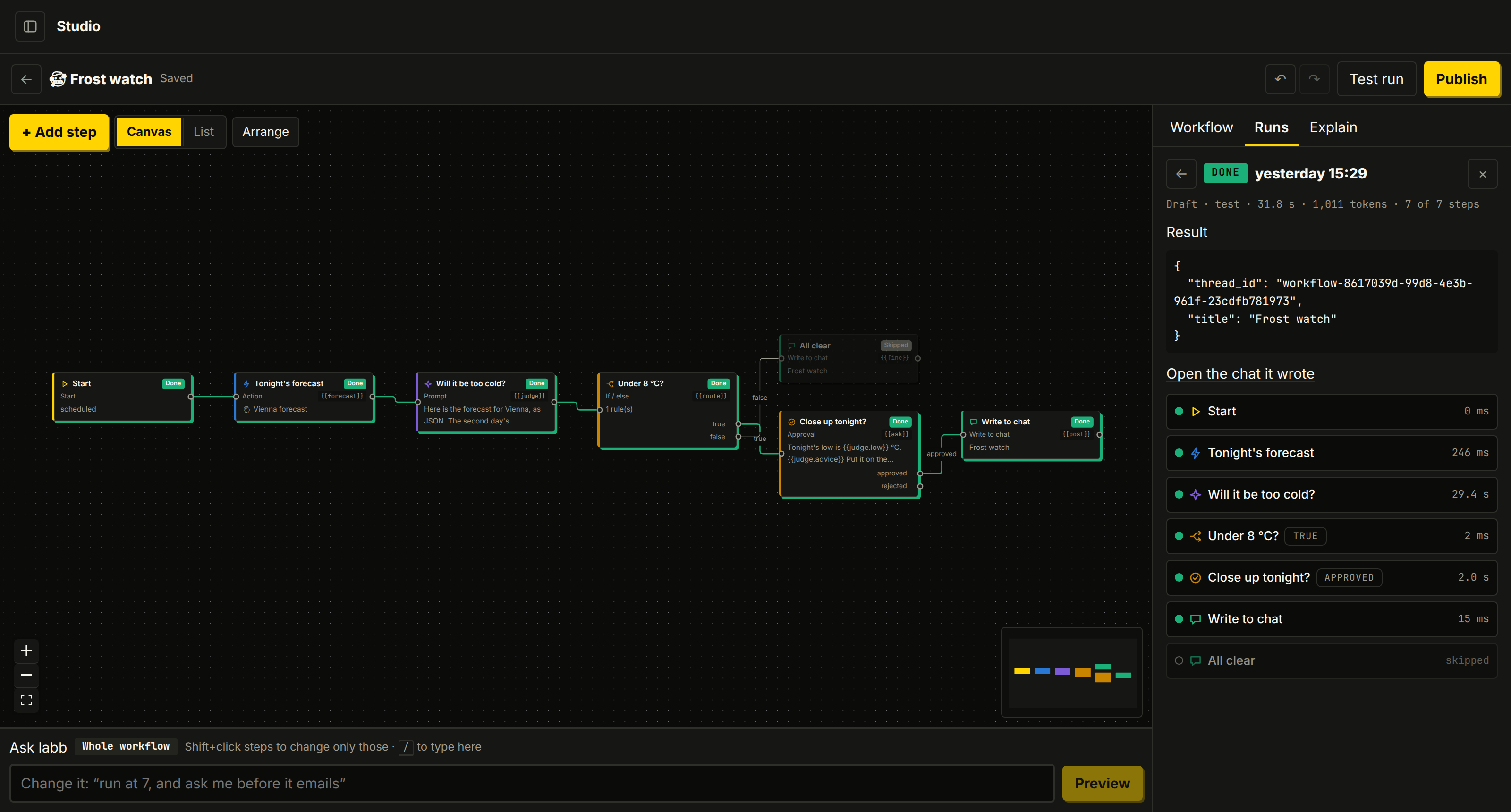 Studio workflowsDescribe a job or build it on a canvas, with branches, approvals and Python.
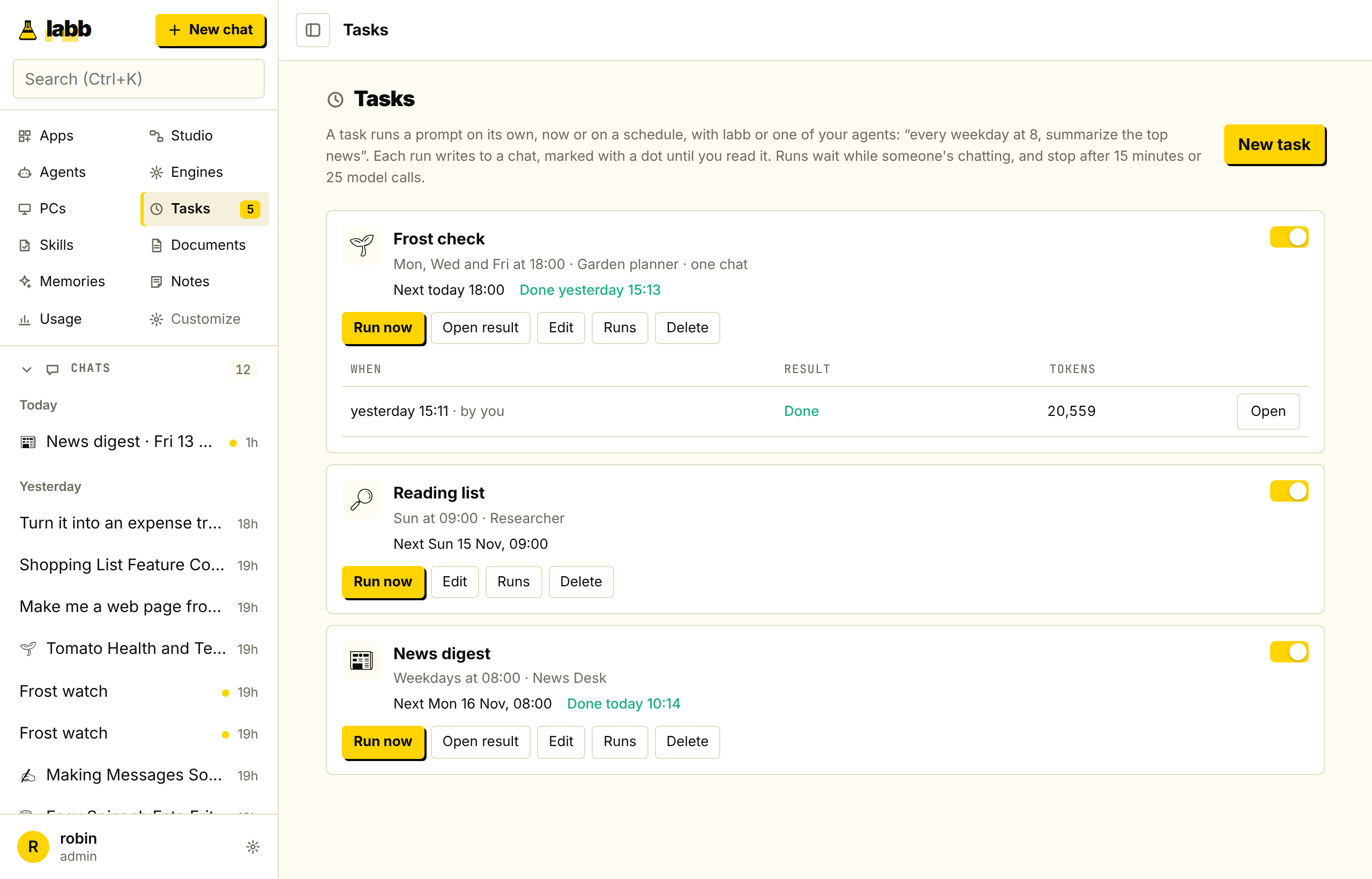 Scheduled agentsAn agent does a job on time, and the result waits for you in a chat.
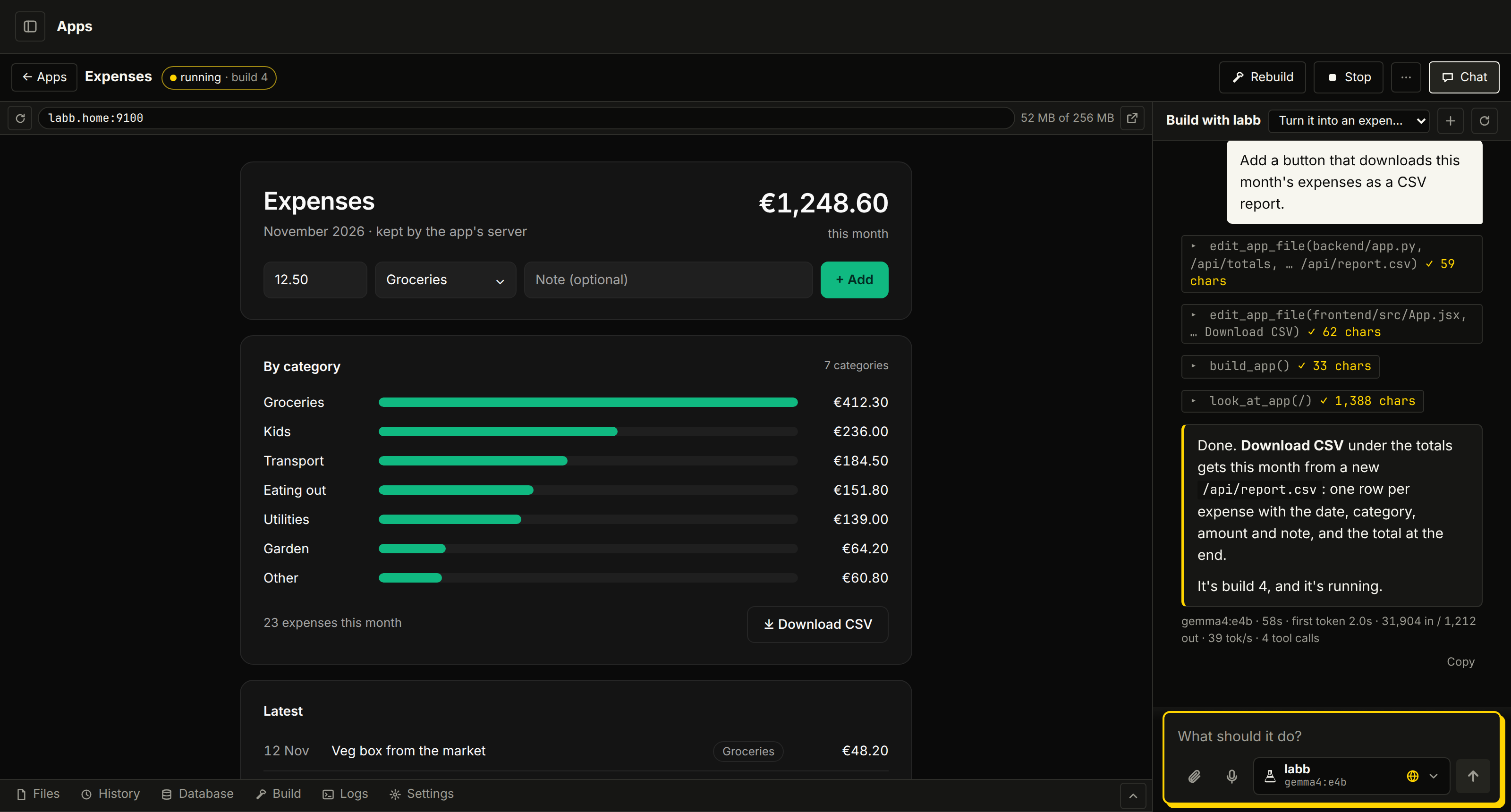 Apps and artifactsApps it writes, builds and checks, and artifacts with charts and diagrams from any chat.
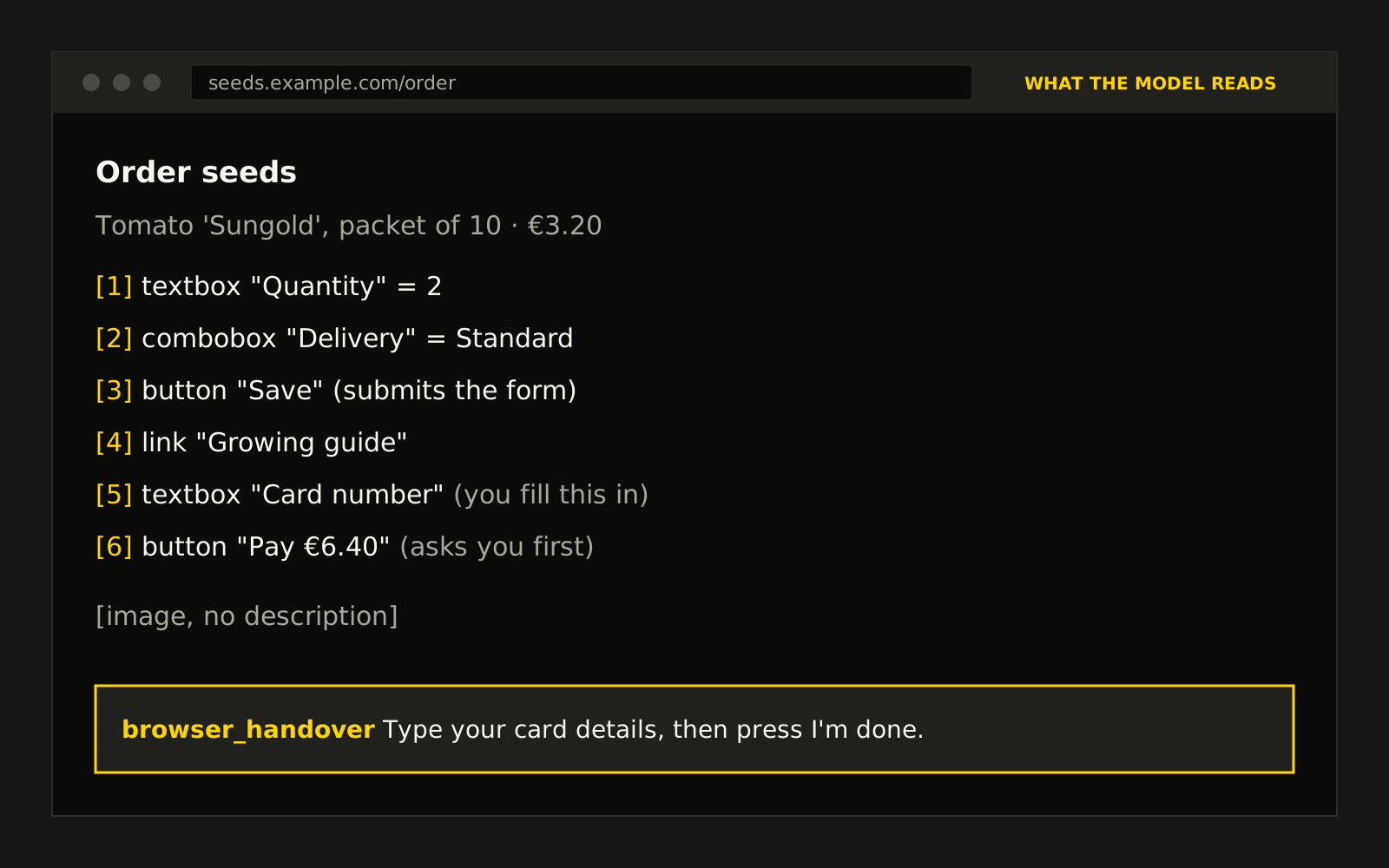 The browserIt clicks through sites and fills in forms, and asks before anything that counts.
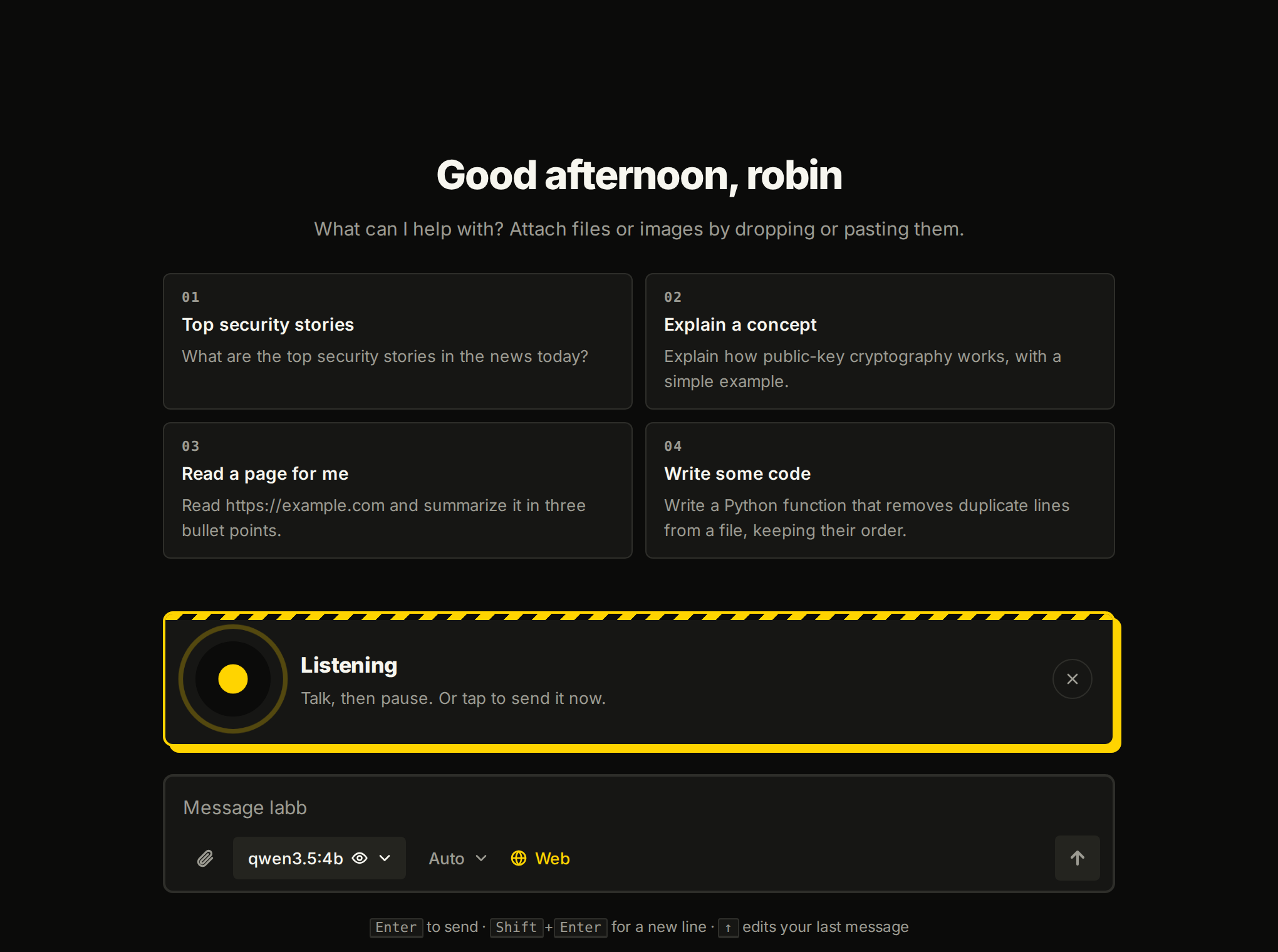 Voice modeDictate, have replies read aloud, or talk hands-free, on your own machine.
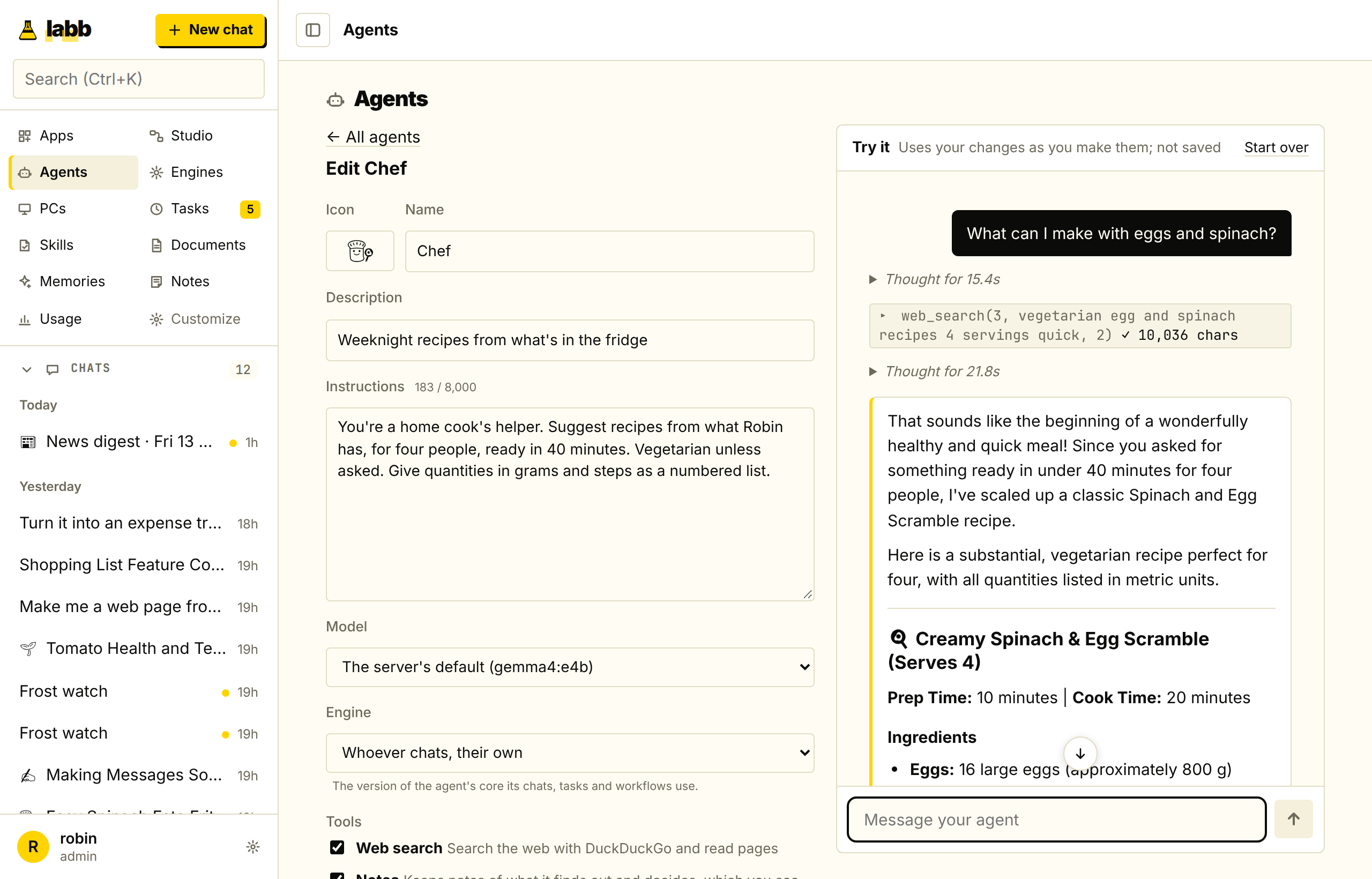 AgentsAn assistant for each job, with its own instructions, model, tools and documents.
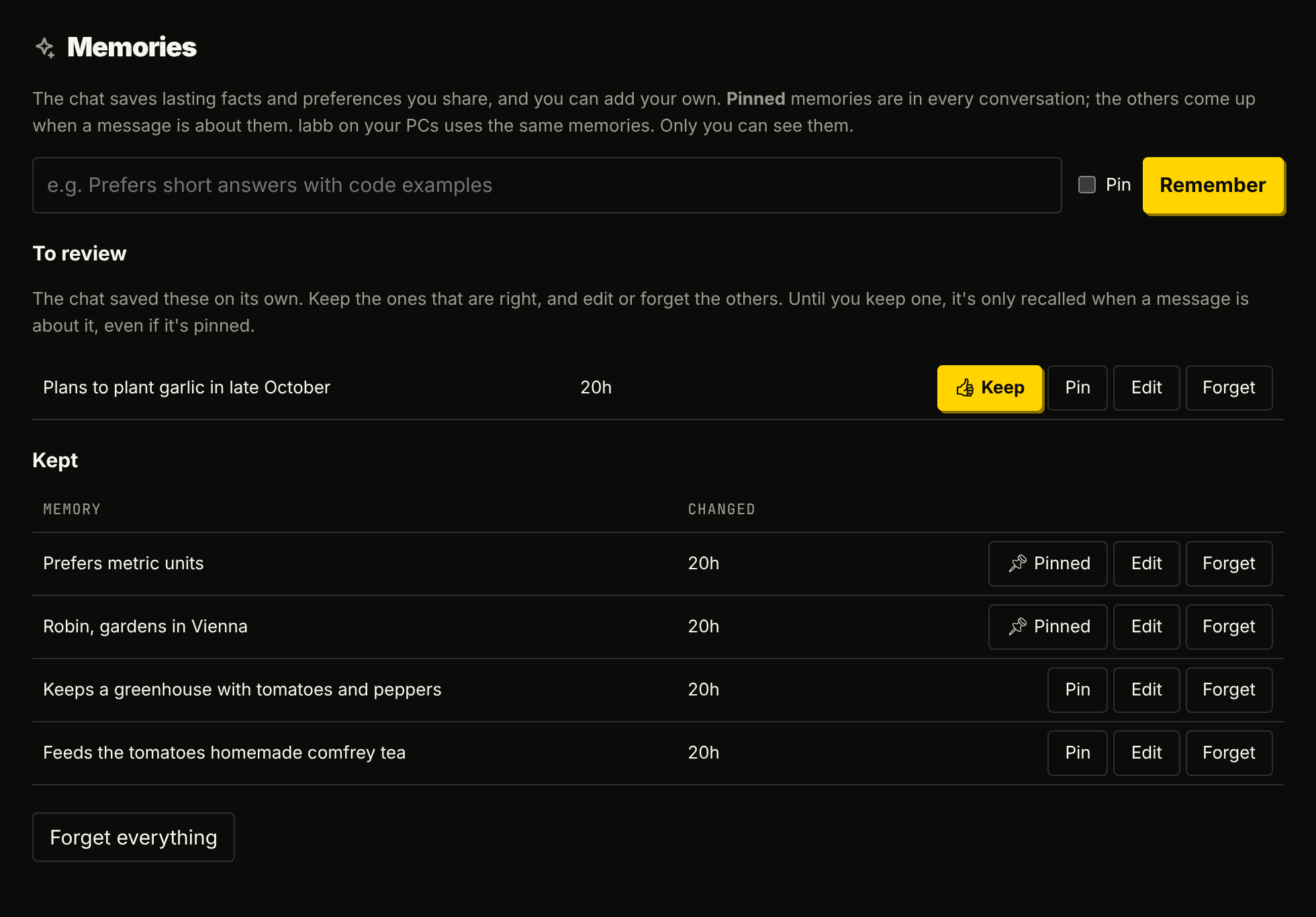 Documents, memories and notesAnswers from your own files, and an assistant that remembers what you tell it.
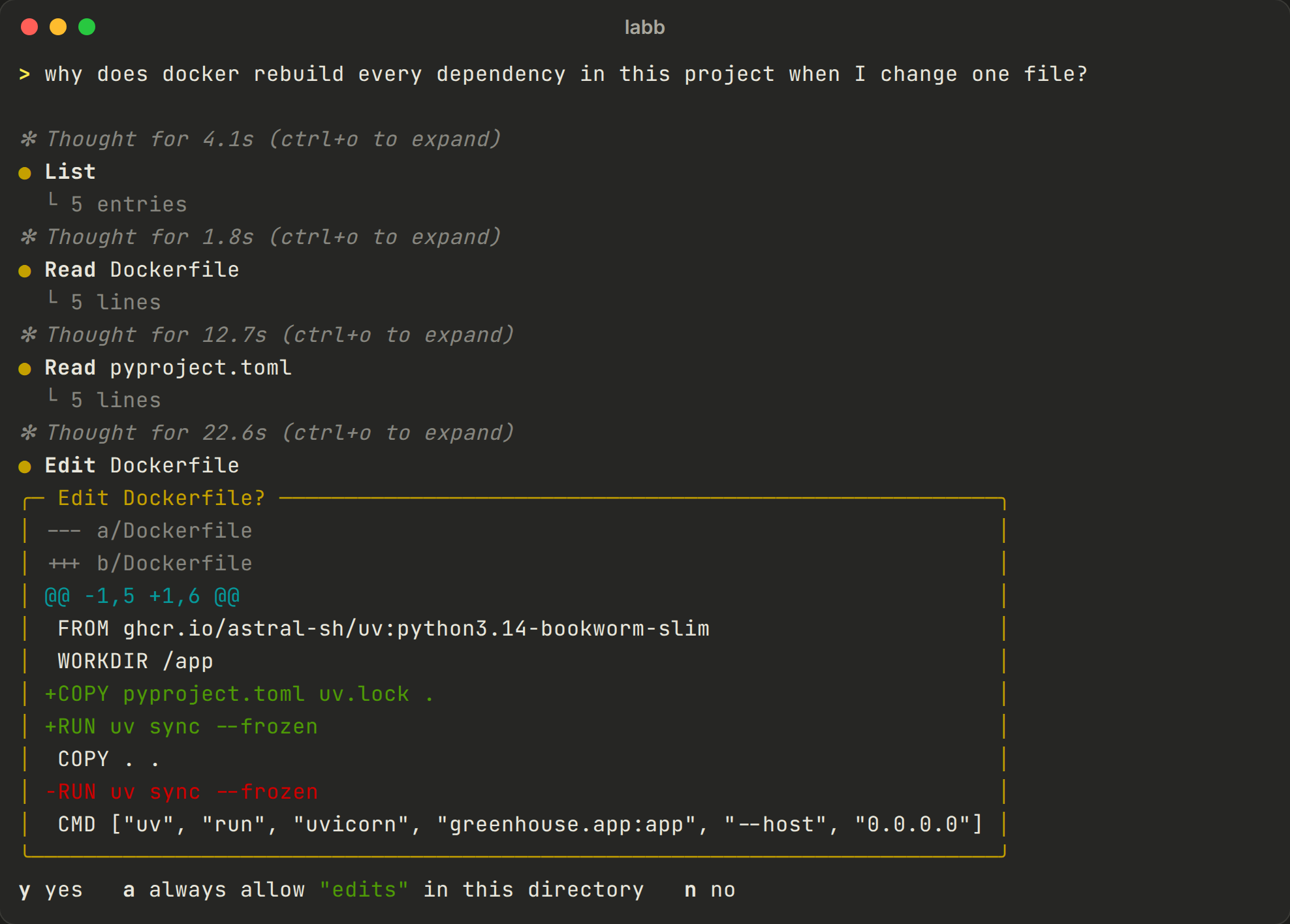 Terminal and your PCsA coding agent in any folder that asks before it changes anything, and starts from the browser too.
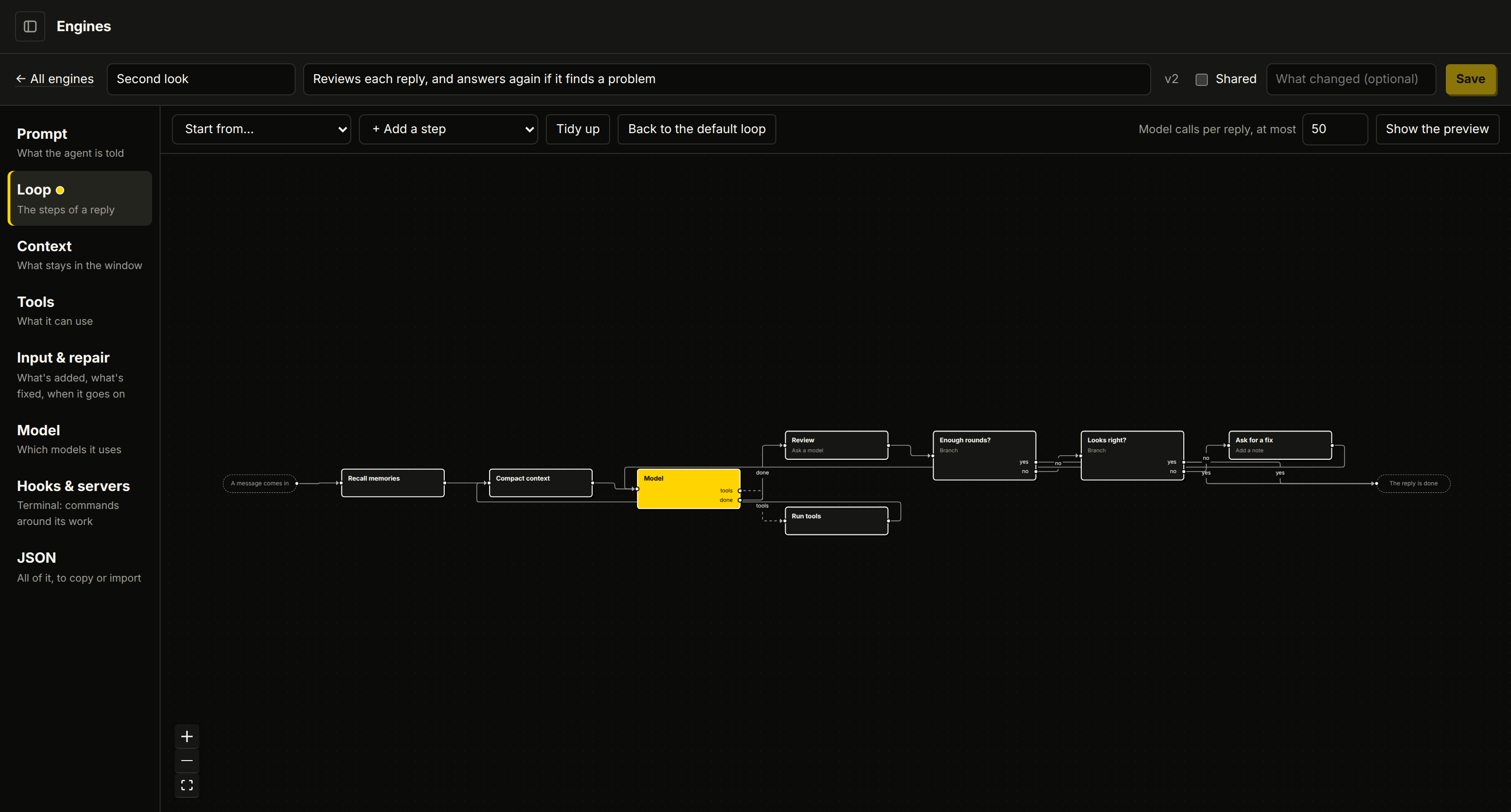 EnginesFork the agent's core, change how it works, and compare. labb local is made for small models.
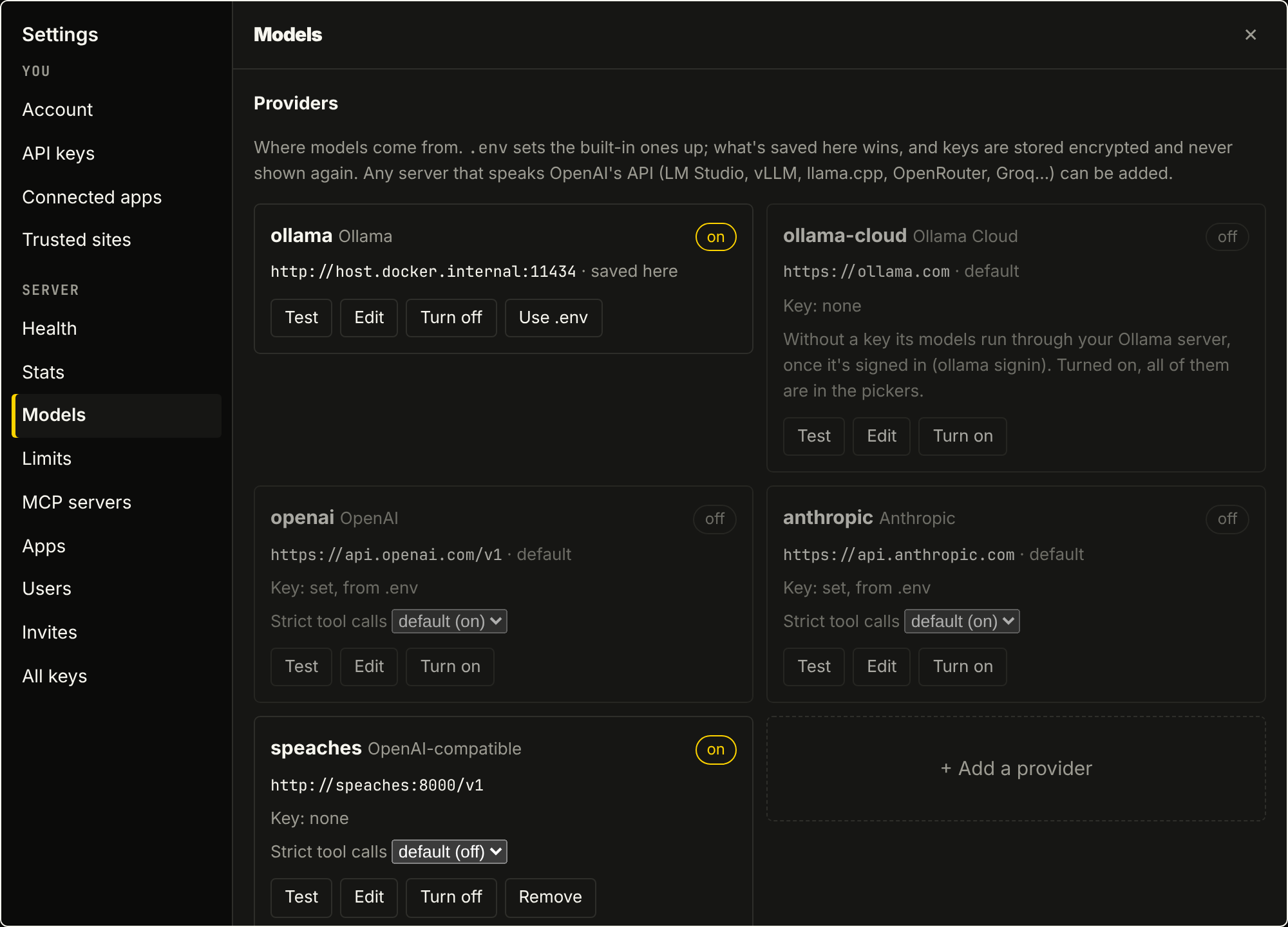 ModelsLocal models first, any provider when you want it, all managed from the browser.
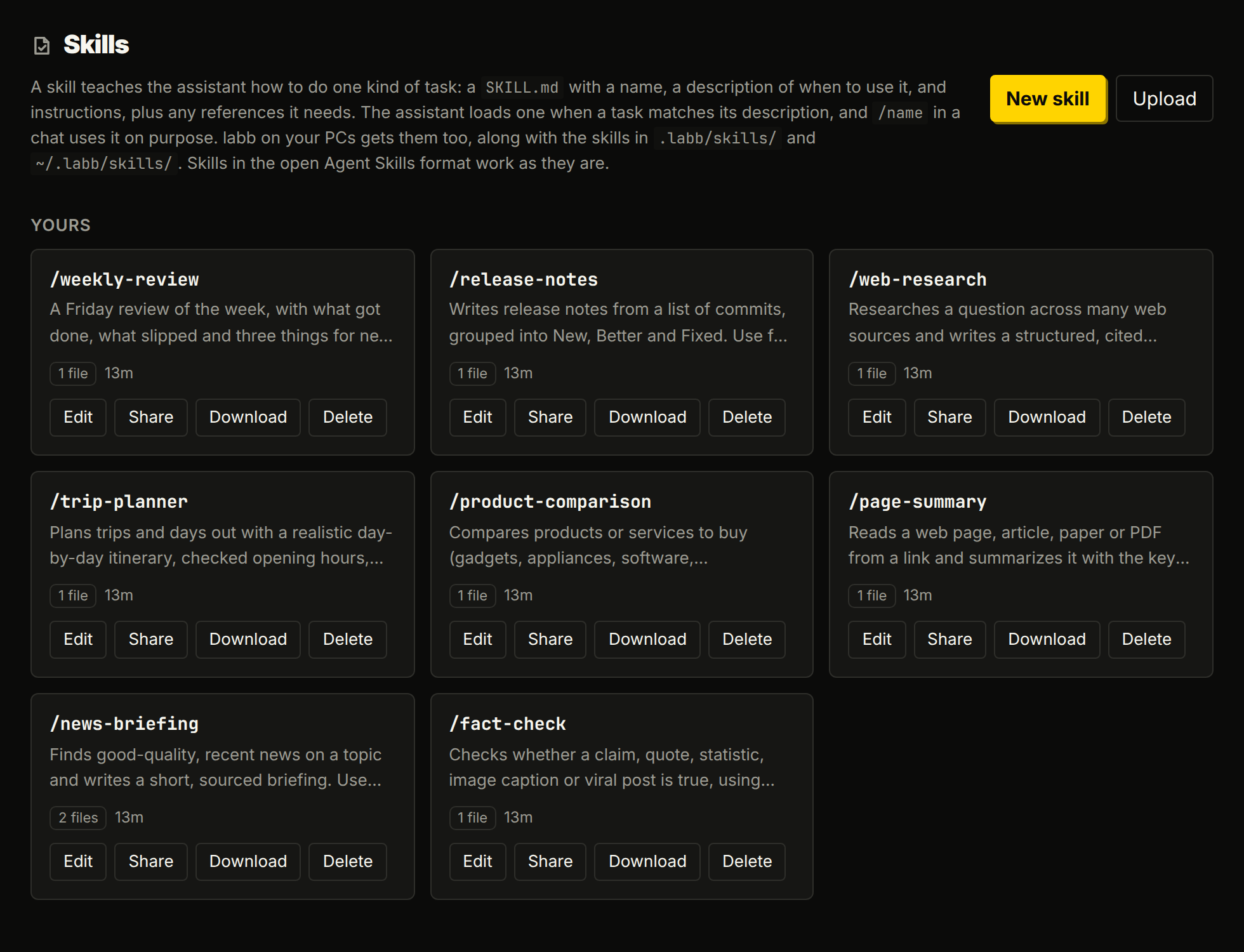 IntegrationsGoogle, Microsoft 365, GitHub and Notion, any tool through MCP, and skills that teach it how you work.
Also in the box
The rest of the bench
- Web chat
- Streaming replies that carry on while you're away, tools, images and files, edit and regenerate, search, pinned chats, export, light and dark themes, and a phone layout. Each chat keeps its own model, a chat can be shared with a link, and you choose, pin and order the sidebar's pages. Accounts, invites and admin roles are built in.
- The context panel
- See exactly what the next model call gets, a timeline of each reply's model calls and tools, the work in hand, and a what-if for trying another model or engine without sending anything.
- The iOS app
- The web chat's features on iPhone, with chats, agents, tasks, your library and Studio approvals. Build it from the repository with Xcode.
- Web search and reading
- It searches with DuckDuckGo, no key needed, and reads pages as clean Markdown, rendering them in a headless browser when they need JavaScript.
- One server, every PC
- PCs install labb from your server with one command and log in from the browser. Model calls go through the server's gateway with per-PC API keys, and terminal sessions sync to the web chat.
- Usage stats
- See your replies, tokens, speed and, once an admin sets prices, what they cost. Admins also get server-wide stats and can see which PCs need an update.
- Health and limits
- Settings → Health checks every part of the server and says what to do about the ones that aren't working. Settings → Limits puts every limit, from model calls per reply to apps per person, on one page.
- Backups
- A nightly backup of the database, apps and artifacts, which can be encrypted with an age key.
Security and privacy
Built to stay on your machines
- Local by default
- With Ollama, your chats, documents and memories never leave your machines.
- Accounts
- A fresh server can only be claimed with the setup link it prints. Passwords are hashed with scrypt. Session tokens and API keys are stored only as SHA-256 hashes.
- Isolation
- Everyone sees only their own chats, documents and memories. Admins see usage numbers, never content.
- Studio's Python
- Python steps run in a sandbox of their own, with no internet, a read-only system and a user of its own per run.
- Apps and artifacts
- Each app runs in a locked-down container. Artifacts are built with no network and served to whoever has their link, which can't be guessed. App pages have no sign-in yet, so keep their ports on your network.
- The browser
- It runs on a network of its own that can't reach yours, and it can't type passwords, card numbers or codes: you do that yourself.
- Your PCs
- A PC only works in the folders you started it with, asks you in the page before commands and edits, and can't be started with an API key.
- HTTPS
- The server speaks plain HTTP.
./setup.sh httpsputs Caddy in front of it with certificates for your network or a domain.